


Nematool | Bayer

Nematool
The digital tool to manage nematodes in outdoor and greenhouse crops.
An easy-to-use digital solution for nematode control
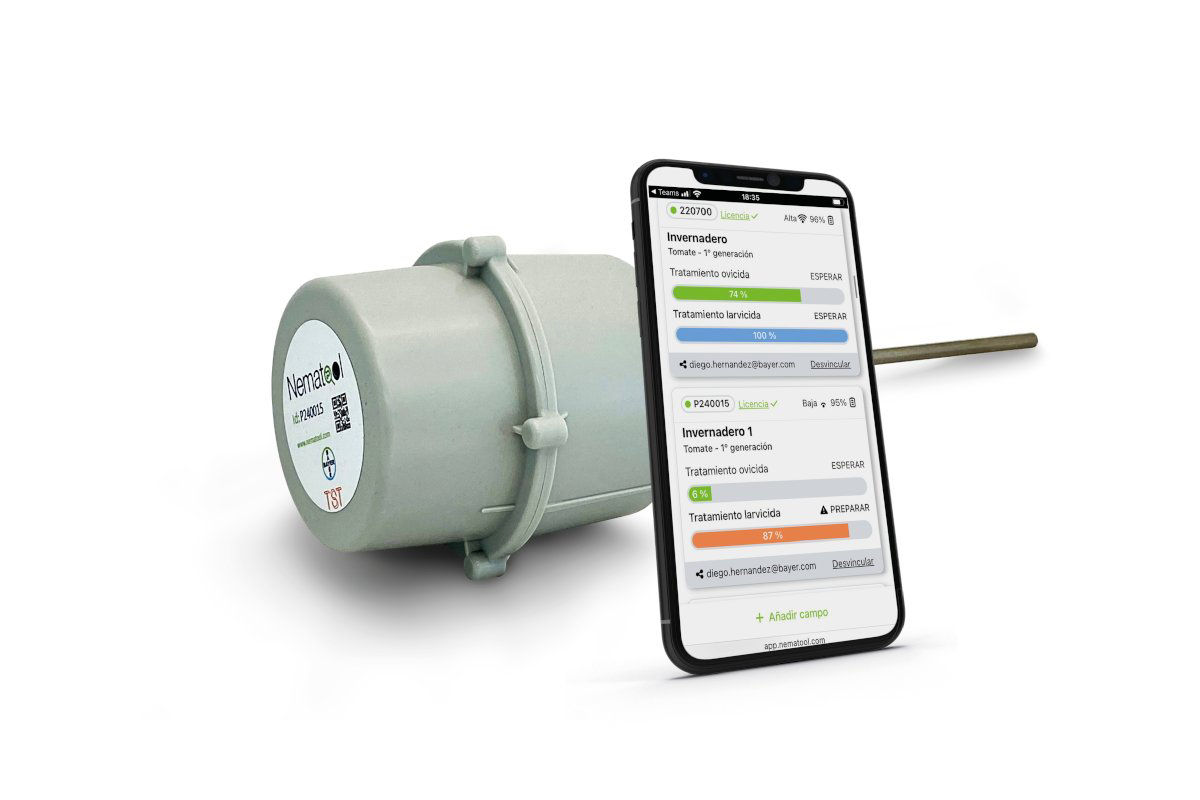
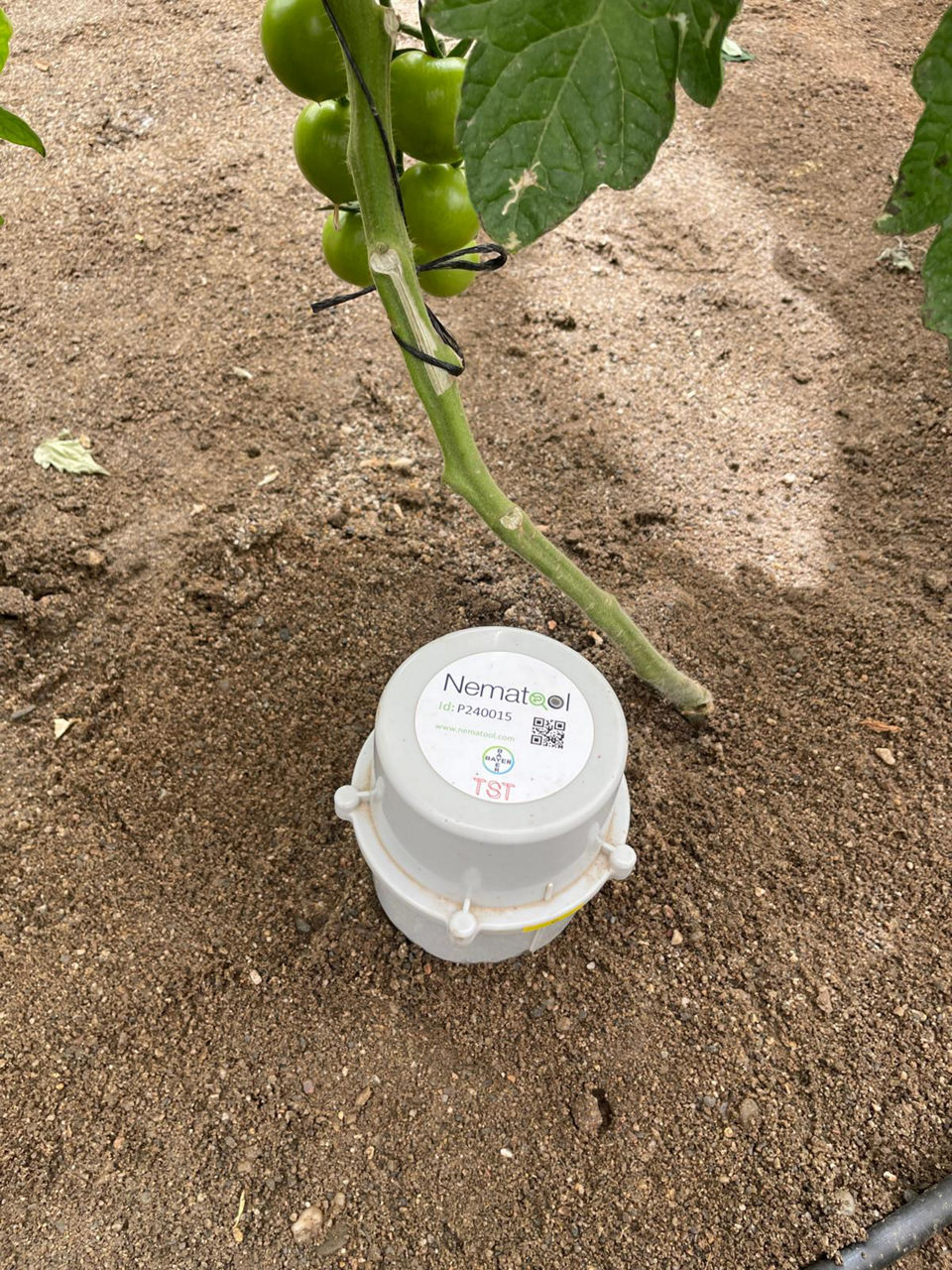
Nematool is the combination of an autonomous probe for soil temperature that sends this information to a server where it is processed by specific algorithms (models), and a web application that allows farmers to visualize processed data and recommendations for better nematode management.
Download the application here:
Nematool can be used in crops sensitive to Meloidogyne spp., such as zucchinis, melons, cucumbers, eggplants, peppers, watermelons, tomatoes, and strawberries, among many others.
Automatic
- Autonomous probe
- Transmission via Narrow Band
- Maintenance-free
- Battery 5 years*
- Materials warranty 2 years
*under normal use conditions
“Friendly” technology
- Easy to install in the field
- Easy to link to web-app
- Intuitive design
- Robust and validated
Direct alerts and recommendation
Model:
- Nematodes, ovicide, and larvicide
- Solarization easy to interpret (colors)
Nematool in detail
Nematool provides us with information on soil temperatures and, through the application of models, information on the evolution of nematode generations or solarization processes.
Nematode Model
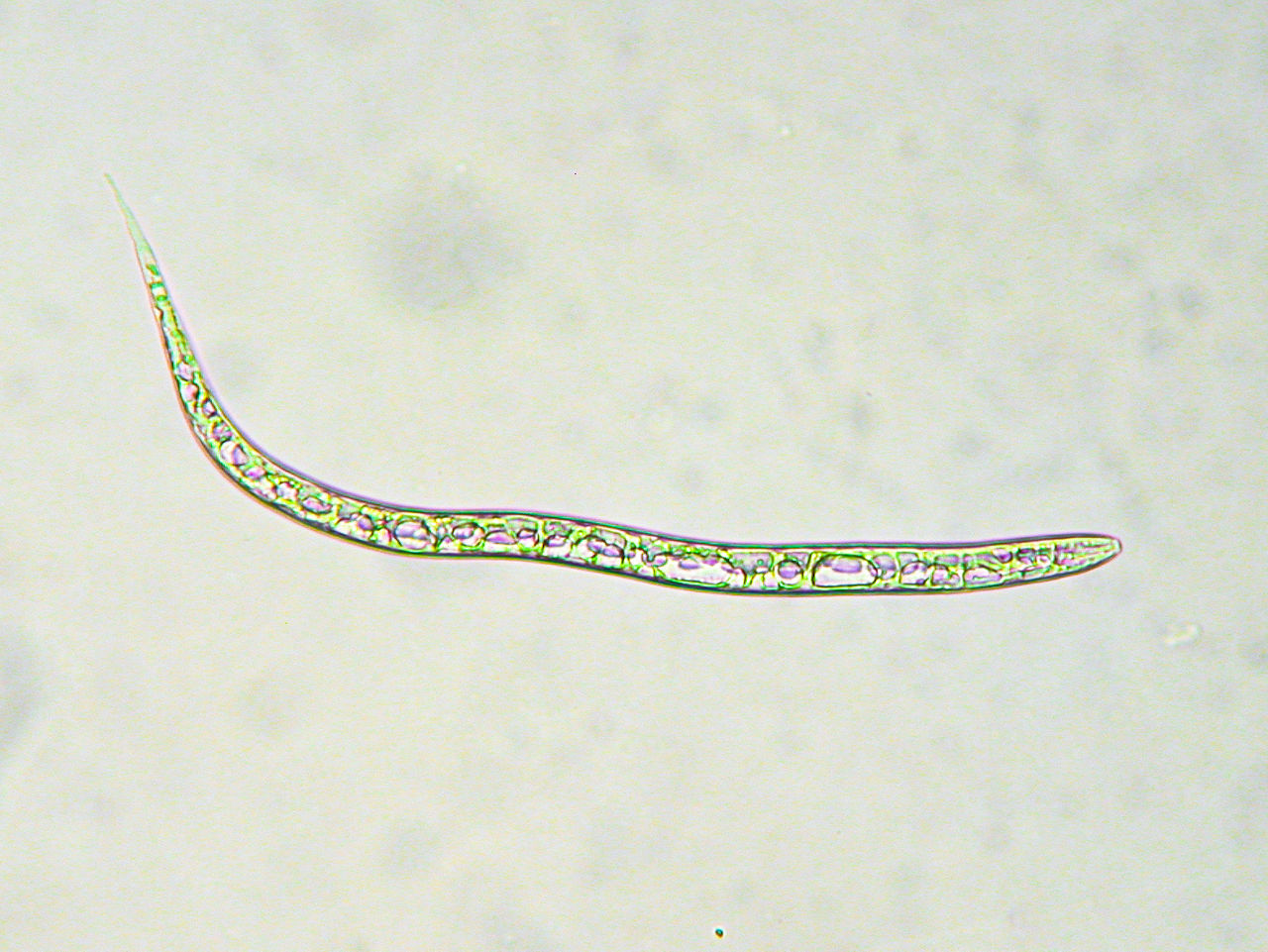
Based on accumulated degree technology, it informs about the evolution of the nematode cycle, defining recommendations for the use of ovicidal nematicides (BioAct Prime) and larvicides (Velum Prime and the new Velsinum). The base model targets the main species of Meloidogyne that attack crops. As a novelty, in the case of strawberries, a submodel more adjusted to M. hapla has been developed.
Solarization Model
Solarization allows generating lethal temperatures for harmful soil organisms (nematodes and also soil diseases, weeds, etc.). The Nematool solarization model allows us to monitor the solarization process in real-time, providing indications about its quality and optimizing the process.
Want to know more?
Nematool was designed to adapt to your needs: robust technology, automatic and user-friendly operation. It provides the necessary information to help you make the right, data-driven decisions to optimize nematode management.
In the following document, you can learn more about how to install the application and operate the device to get all the benefits from this tool.

Frequently Asked Questions
How do I know if the sensor is working correctly?
The device is activated by moving the magnet towards the mark located in the middle of the device body (yellow dot) until you hear 3 beeps, and then remove the magnet.
Next, the device will emit another 3 short beeps indicating it has turned on. The LED light blinks blue while searching for network and connection and blinks green once connected, then turns off. Once you have the device linked to the mobile app/created field, a 'sensor active' indication will appear on the screen (minutes after its creation).